Once you’ve successfully logged into your TaxMingle account, you’ll arrive at the CPA Dashboard — your central hub for managing clients, documents, and tax workflows. To get started quickly and effectively, follow these essential first steps.
1. Set Up Your Profile
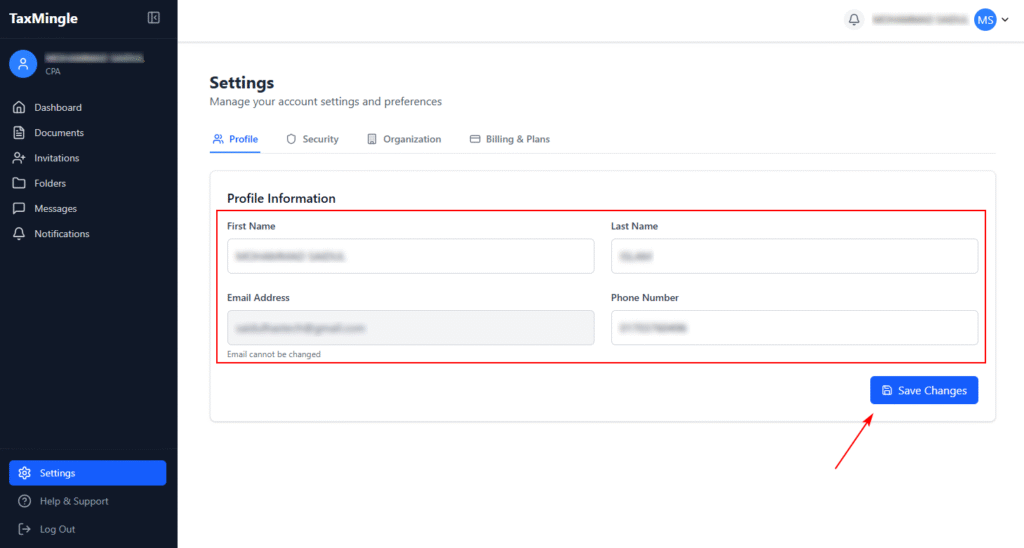
Click on the Settings tab in the sidebar and navigate to your Profile section.
Here, you can:
- Update your name
- Edit your organization name and details
- Set up security preferences such as two-factor authentication (2FA)
Completing your profile builds trust with clients and ensures smoother communication.
2. Invite Your First Client
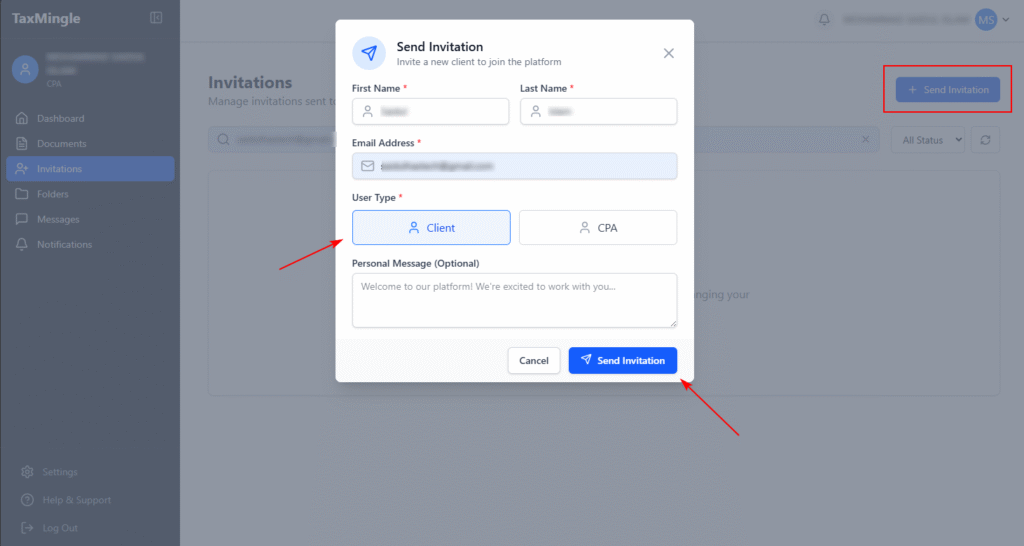
To begin collaborating, go to the Invitations section from the sidebar.
Click on Invite Client, then:
- Enter the client’s name and email
- Assign them to your organization or a specific folder (optional)
- Send the invitation
Once accepted, clients can start uploading documents and responding to requests securely.
3. Upload Your First Document
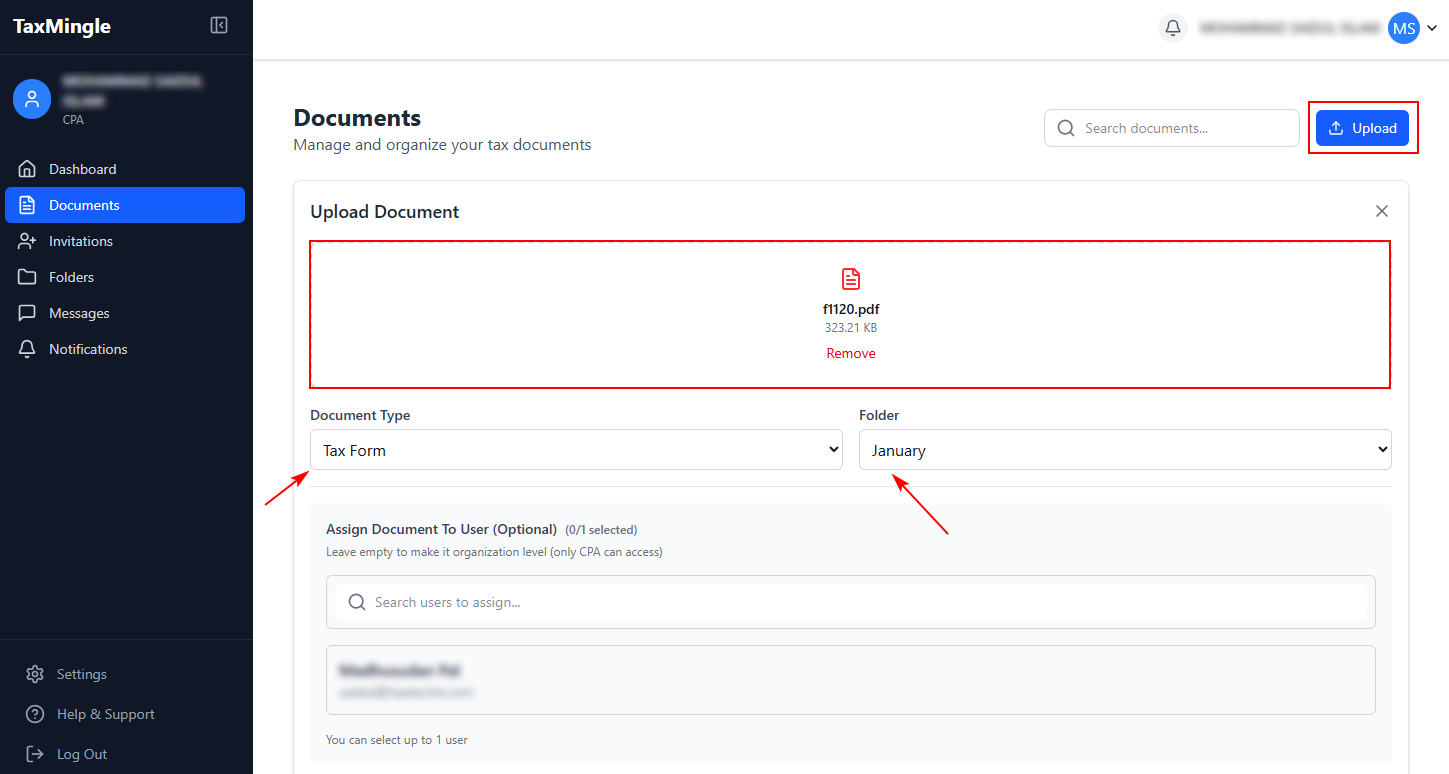
Navigate to the Documents section and click Upload to add your first tax-related file.
You can:
- Create folders/subfolders for organization
- Assign the document to a client or team member
- Edit the file directly (PDF editing supported) or request a signature
This step sets up your workspace for an efficient document workflow.