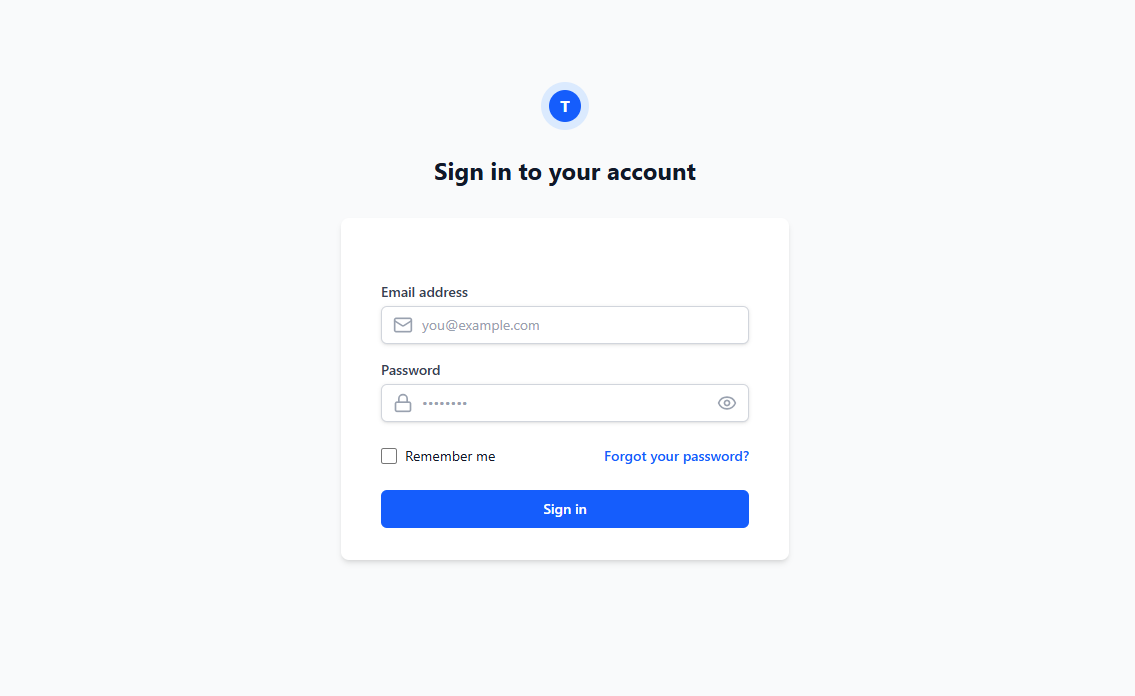
Logging in to your TaxMingle CPA account is quick and secure. Once your registration is complete, you’ll receive an email with a login link. Follow the steps below to access your dashboard and begin managing your tax documents and client collaborations.
Step 1: Open the Login Page
Visit the TaxMingle login page directly at:
Step 2: Enter Your Credentials
- Enter the email address and password you used during registration.
- If Two-Factor Authentication (2FA) is enabled for your account, you’ll be prompted to enter the 6-digit verification code sent to your device.
Step 3: Click “Login”
After entering your credentials, click the Login button to access your CPA dashboard.
Forgot Password?
If you’ve forgotten your password, click the “Forgot password?” link on the login page. Enter your registered email address, and you’ll receive a link to reset your password securely.