
Edit Tax Forms Without the Hassle of Downloads
The most powerful PDF editor built specifically for tax professionals. Edit, annotate, and send fillable forms—all within TaxMingle.
- Edit any tax form directly in your browser
- Auto-save every change instantly
- Pre-built templates for all major tax forms
- Send fillable forms to clients in seconds
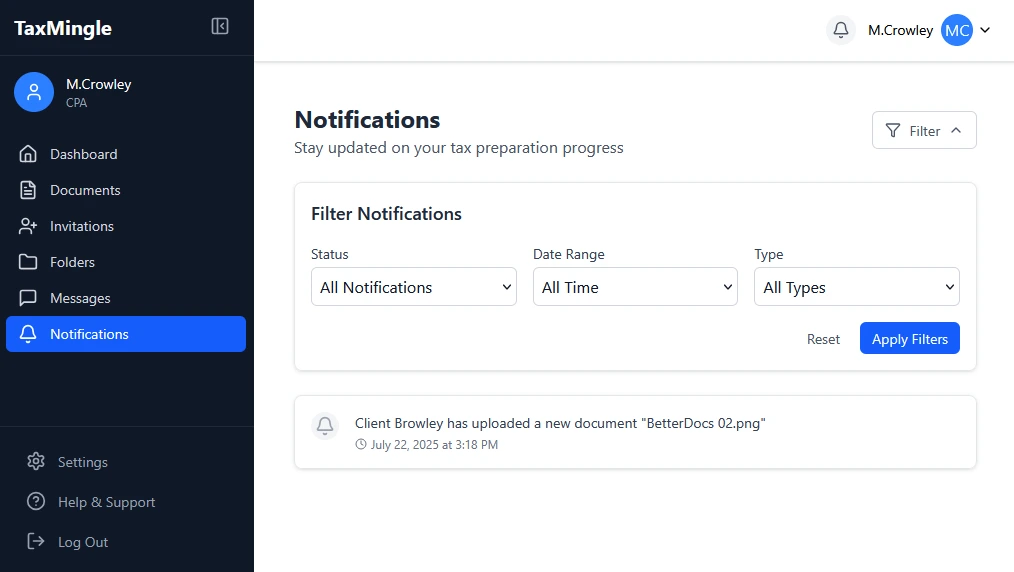
The Problem
PDF Editing Shouldn’t Be This Hard
- Downloading forms, editing in desktop software, then re-uploading wastes hours
- Expensive PDF software with features you’ll never use
- Version control nightmares with multiple copies of the same form
- Clients struggle with fillable forms and often fill them incorrectly
- No way to collaborate on forms in real-time
TaxMingle Solution
Tax Forms Made Simple
- Edit any PDF directly in TaxMingle—no downloads needed
- All editing tools included in your subscription
- One source of truth with automatic version control
- Smart fillable forms with validation and help text
- Real-time collaboration with clients and team members
How It Works
From upload to client signature in four simple steps
1

Upload or Select
Upload any PDF or choose from our library of tax form templates
2
Edit & Annotate
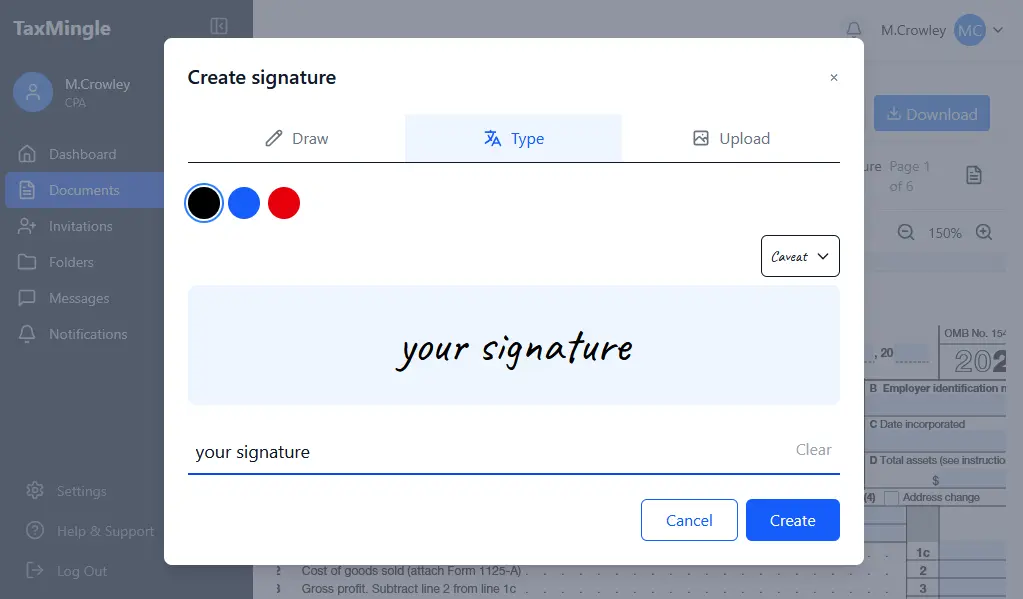
Add text, checkboxes, signatures, highlights, and notes
3
Make It Fillable
Convert any field into smart fillable forms with validation
4
Send to Client
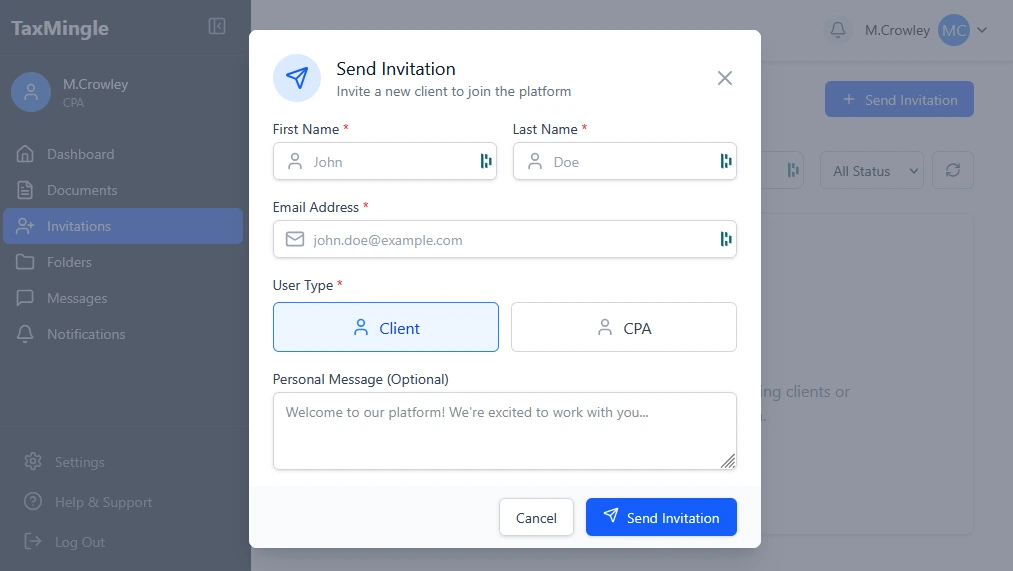
Share via secure link or portal for completion and signature
Everything You Need in One Editor
Professional PDF tools designed for tax workflows
Smart Annotations
Highlight important sections, add sticky notes for clients, and draw attention to key fields with arrows and shapes.
Form Templates
Pre-built templates for 1040, 1099, W-2, and 50+ other tax forms. Updated automatically when tax laws change.
Auto-Save
Never lose work again. Every change is automatically saved to the cloud with full version history.
Fillable Fields
Convert any PDF into a fillable form. Add text fields, checkboxes, dropdowns, and date pickers.
OCR Technology
Automatically recognize and extract text from scanned documents. Make any PDF searchable and editable.
Field Validation
Set rules for form fields to ensure clients enter information correctly. Reduce errors and back-and-forth.
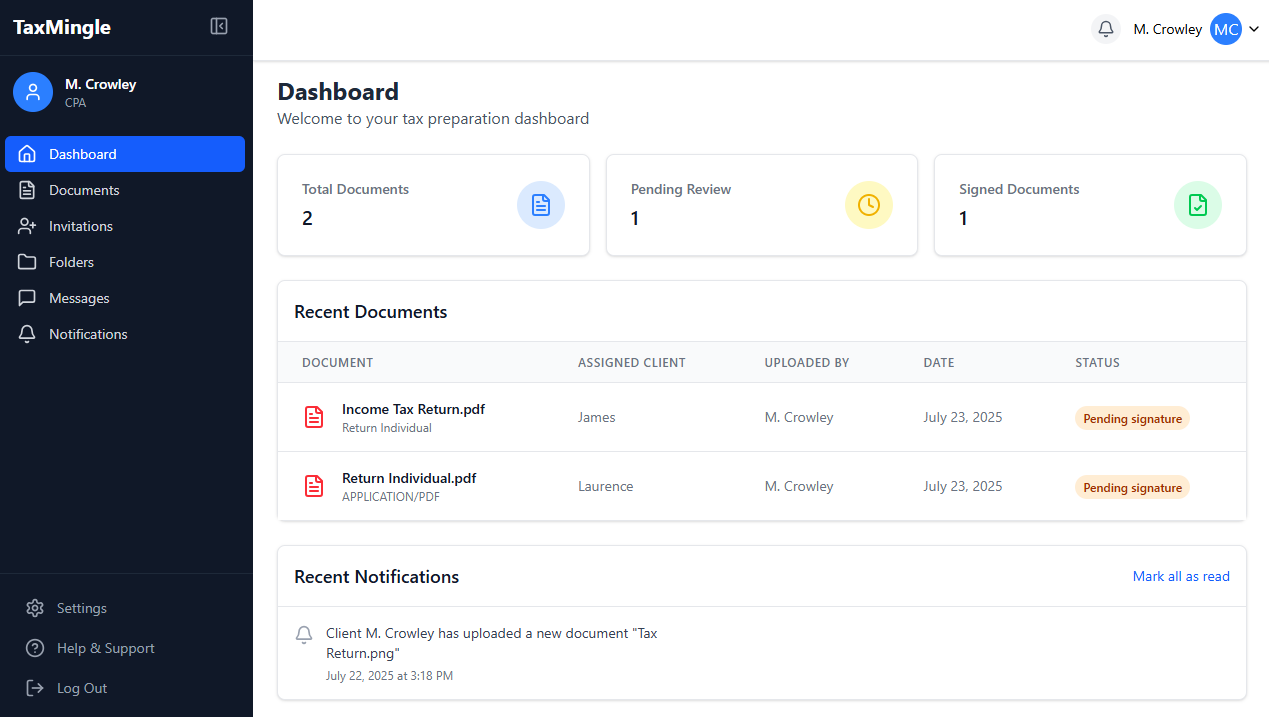
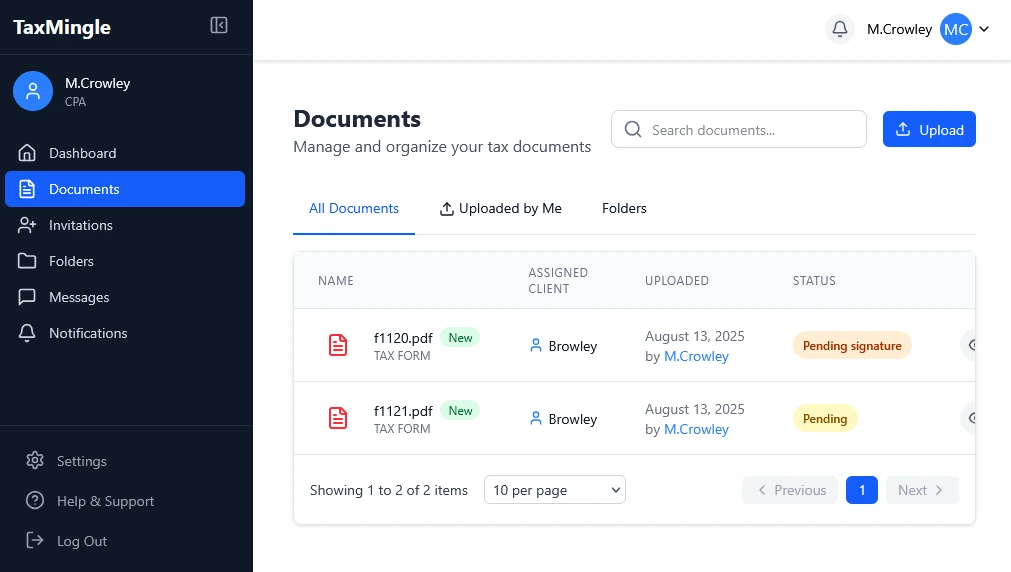
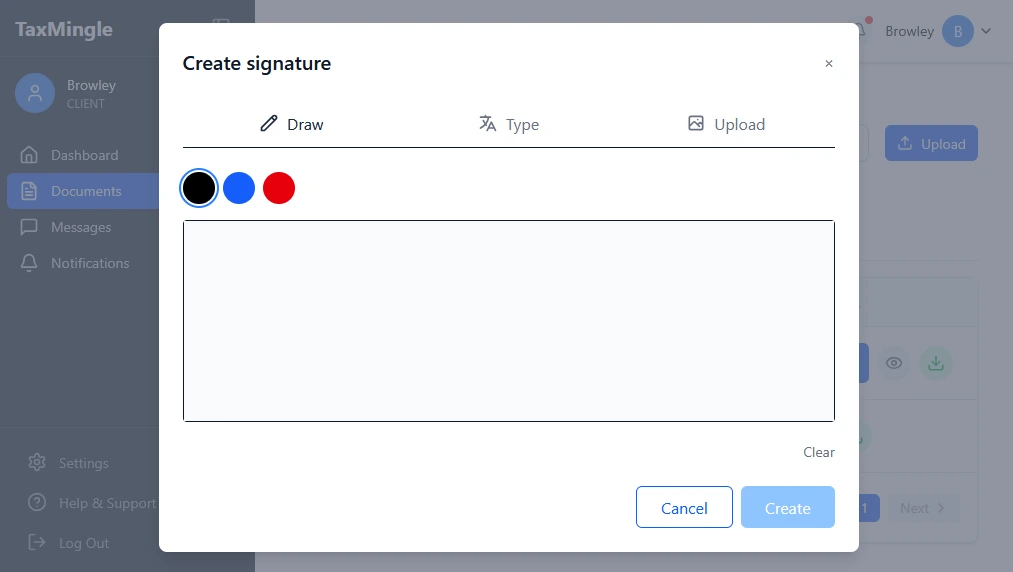
KEEP EVERYTHING IN ONE PLACE
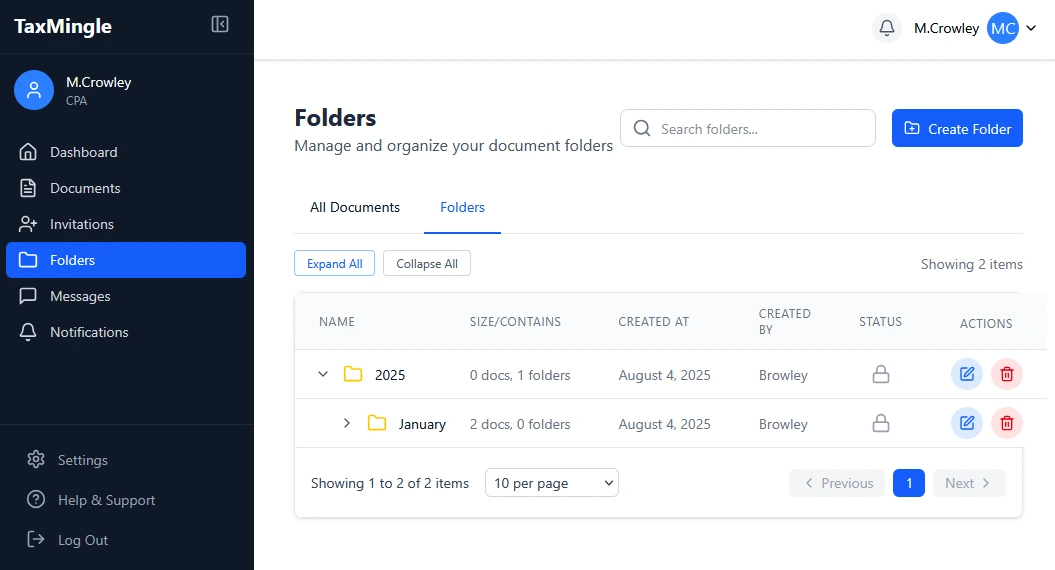
Seamless PDF editing within your portal
Built for Every Tax Scenario
See how CPAs use our PDF editor every day

Individual Returns
Quickly fill out 1040 forms, add schedules, and collect client signatures. Our smart fields automatically calculate totals and check for common errors.
Business Tax Forms
Handle complex corporate returns with ease. Edit 1120, 1065, and other business forms with full support for attachments and schedules.

Quarterly Filings
Streamline estimated tax payments and quarterly reports. Set up recurring templates that auto-populate client information.

Information Gathering
Create custom organizers and checklists. Send fillable questionnaires to clients and track completion in real-time.
Works With Your Existing Tools
Seamlessly integrate with the software you already use
QuickBooks
Xero
TaxAct
Drake Tax
Google Drive
Dropbox
Outlook
Gmail
Frequently Asked Questions
Everything you need to know about our PDF editor
What types of tax forms can I edit?
You can edit any PDF tax form including 1040, 1099, W-2, W-9, 1120, 1065, and all schedules and attachments. We also support state tax forms and custom documents. Our template library includes over 100 pre-built forms that are updated automatically.
Do I need to download any software?
No downloads required! Our PDF editor works entirely in your web browser. Simply log in to TaxMingle from any device and start editing immediately. All your work is saved to the cloud automatically.
Can multiple people edit the same form?
Yes! Our real-time collaboration features allow multiple team members to work on the same document simultaneously. You can see who’s editing what, leave comments, and track all changes with our version history.
How do fillable forms work for clients?
Clients receive a secure link to complete fillable forms directly in their browser—no account needed. They can save progress and return later, and you’ll be notified when they submit. All data is encrypted and secure.
Is my data secure when editing PDFs?
Absolutely. All documents are encrypted with 256-bit SSL encryption during transfer and at rest. We use AWS infrastructure with regular security audits, and you control access permissions for every document.
Ready to Simplify Your Tax Form Workflow?
Join thousands of CPAs who save hours every week with our PDF editor